Pipe Connector
Utility tool that automatically routes and places pipes or cables between two points at a set depth.
 Tech Tools & Armor
 Item Logistics & Pipes
- Downloads
- 15,333,108
- Loaders
- Forge, NeoForge
- Latest version
- 26.x
- Updated
- 2026-11-22
- Author
- Heaser, PotatoPoweredWizard
Overview
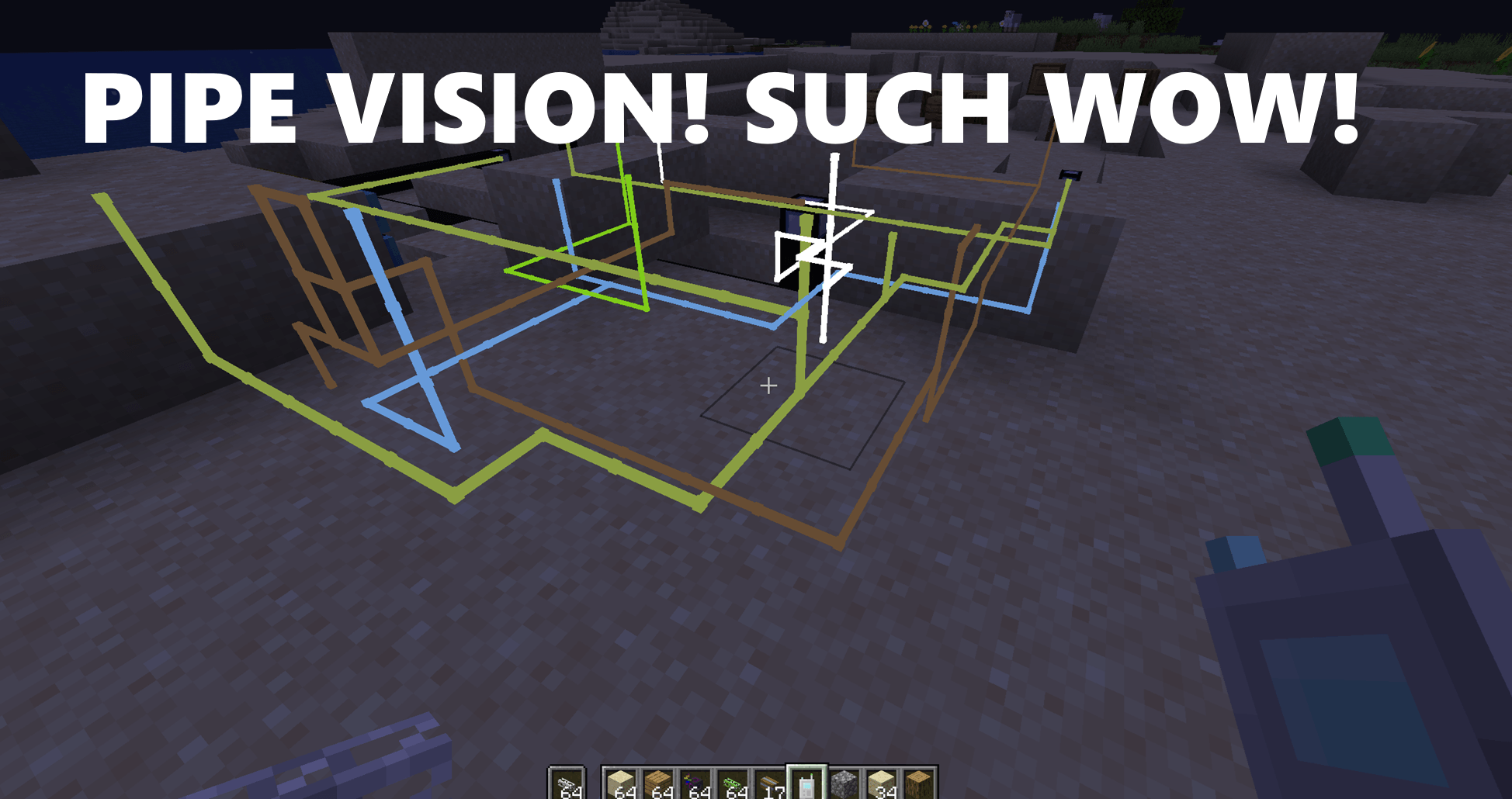
Pipe Connector is a utility mod that introduces a specialized tool designed to automatically link pipes from one block to another. It solves the tedious process of manually digging out blocks, placing pipes, and filling the terrain back in just to keep pathways out of your way.
This mod is ideal for tech-focused players and automation modpacks where routing energy, item, and fluid pipes between machines is a frequent task. By automating the placement and underground routing of pipes, it keeps your tech base neat without requiring repetitive excavation.
Key features
- Adds a dedicated Pipe Connector tool for linking pipes between two separate blocks.
- Eliminates the need to manually dig and refill blocks when hiding pipes underground.
- Works with various types of routing, including energy pipes, item pipes, and fluid pipes.
- Features adjustable pipe placement depth controlled by holding Shift and scrolling the mouse wheel.
- Reads the pipe item held in the player's off-hand while using the tool in the main hand.
- Allows players to easily cancel and reset selected block positions by Shift + Right-Clicking the air or the same block twice.
- Supports adding custom compatible pipes through the use of tags.
How to get started
- Equip the Pipe Connector tool in your main hand.
- Hold the pipe you want to place in your off-hand.
- Hold Shift and scroll your mouse wheel to choose the depth for the pipe path.
- Shift + Right-Click on your starting block to set the first connection point.
- Shift + Right-Click on the destination block to set the second position and automatically place the pipes.
- If you make a mistake, Shift + Right-Click into the air or onto the same block to reset the selected positions.
FAQ
What problem does Pipe Connector solve?
It removes the chore of digging up blocks to lay down pipes between machines and filling the holes back up afterward.
What kinds of pipes work with this tool?
It is built for connecting energy, item, and fluid pipes, and additional supported pipes can be added using tags.
How do I change how deep the pipes are placed?
Hold the Pipe Connector in your hand, hold down Shift, and scroll your mouse wheel to adjust the depth.
How can I clear my current selection if I click the wrong block?
You can reset the positions by Shift + Right-Clicking the air or by Shift + Right-Clicking the exact same block again.
Versions and loaders
| Minecraft | Loaders |
|---|---|
| 26.x | Forge, NeoForge |
| 1.21 | Forge, NeoForge |
| 1.20 | Forge, NeoForge |
| 1.19 | Forge, NeoForge |