Hyperbox
Adds pocket-dimension blocks with external item, fluid, and redstone ports for compacting machine setups.
 Machines & Processing
 Item Logistics & Pipes
- Downloads
- 18,339,630
- Loaders
- Forge, NeoForge
- Latest version
- 1.21
- Updated
- 2024-07-22
- Author
- Commoble
Overview
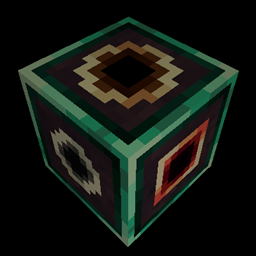
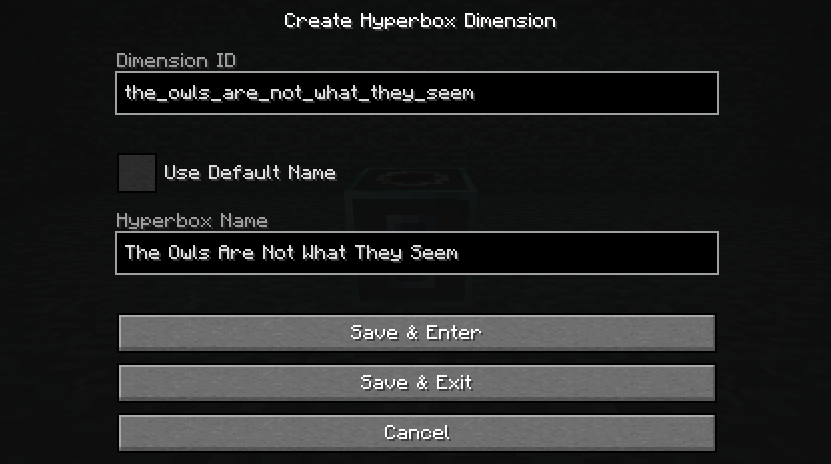
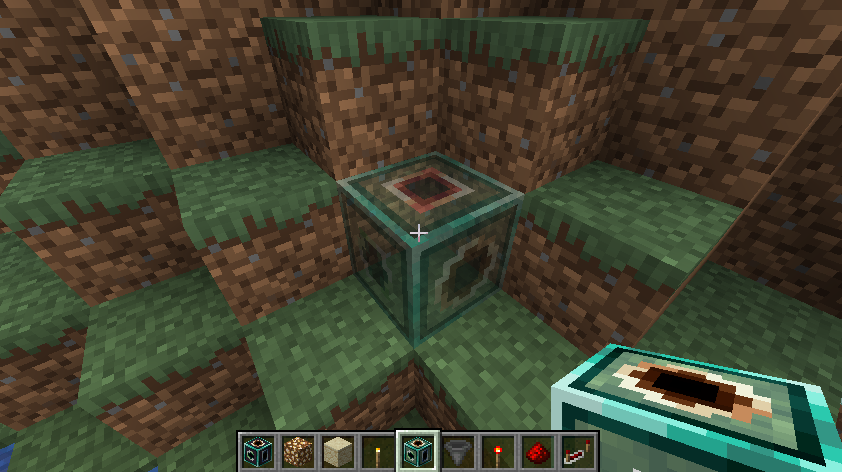
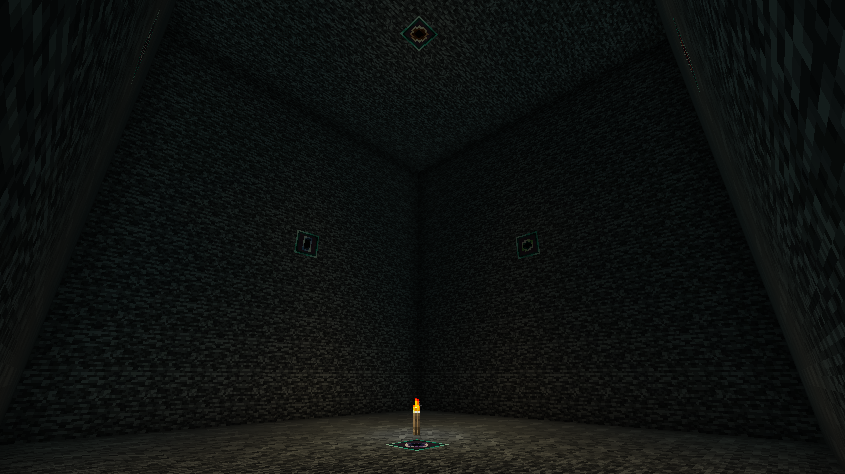
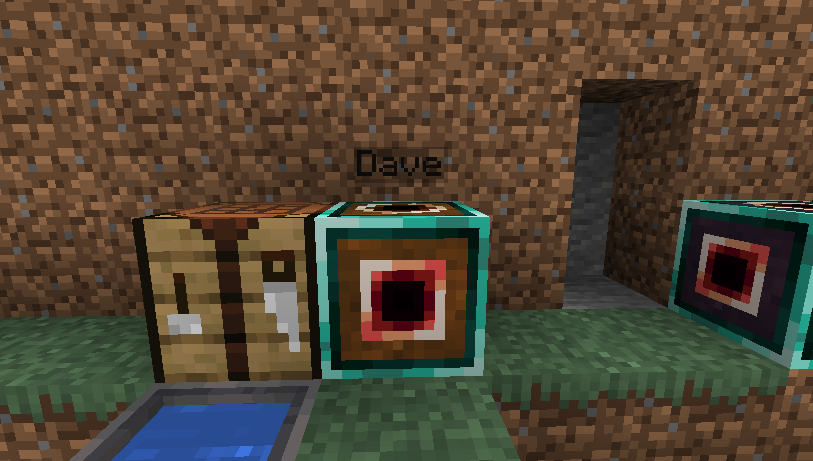
Hyperbox is a utility mod for Forge and NeoForge that introduces a single block acting as a portal to its own personal pocket dimension. Each block maintains a permanent link to a dedicated 13x13x13 playable interior space, allowing players to pick up, move, and replace the block without losing what they built inside.
This mod is ideal for technical players and automation-heavy modpacks running on Minecraft 1.20.1 through 1.21.1 where space efficiency is important. Because the wall apertures transfer redstone signals and Forge capabilities like hopper item movement, it integrates smoothly with other mods using those standard systems.
In a tech base, a Hyperbox lets you compress bulky contraptions into a single block space while keeping them connected to your main network. As long as the chunk containing the exterior block is loaded, the interior dimension stays active and ticking, though it immediately unloads to pause processing when the parent block is mined.
Key features
- Each Hyperbox block contains a unique pocket dimension with a 13x13x13 usable interior area.
- Mining and relocating a Hyperbox preserves its linked dimension, unloading the interior world until the block is placed again.
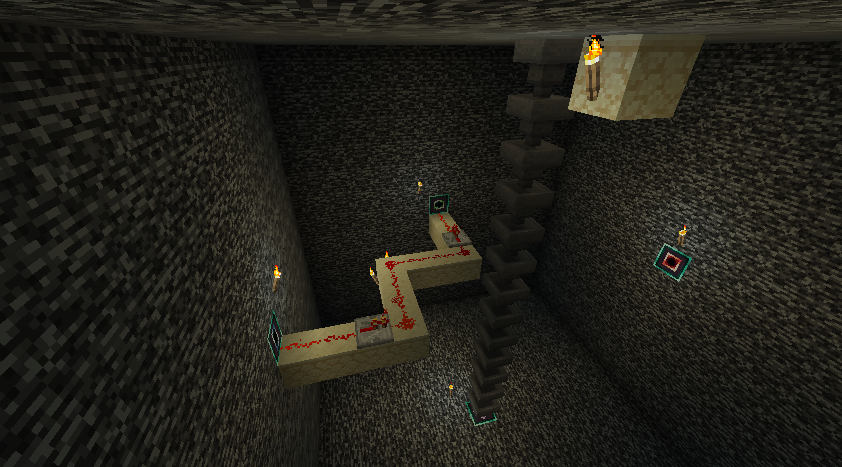
- Wall apertures inside the dimension allow players to teleport back out and transfer redstone power and Forge capabilities between the interior and exterior faces.
- The single interior chunk at position 0,0 automatically stays chunk-loaded whenever the exterior block's chunk is loaded, a behavior that can be toggled in the common config.
- Only the primary single chunk of each pocket dimension is saved to disk in order to minimize world file sizes.
- Duplicating a Hyperbox item with block entity data moves the original block when placed rather than creating two blocks linked to the same dimension.
How to get started
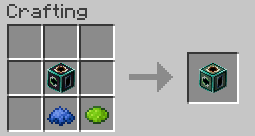
- Check the mod's reference images to view the default crafting recipes and craft your first Hyperbox block.
- Place the Hyperbox in your base and activate it to teleport into its 13x13x13 interior dimension.
- Build your compact machine inside, aligning inputs and outputs with the wall apertures.
- Connect hoppers, redstone, or other capability-compatible blocks to the outside faces of the Hyperbox and the matching interior apertures to transfer items or signals.
- Activate one of the wall apertures whenever you are ready to return to the overworld.
FAQ
What can pass between the inside and outside of a Hyperbox?
The wall apertures transmit standard redstone power and Forge capabilities, such as items moving through hoppers, between the interior walls and the exterior block faces.
Is Hyperbox compatible with other tech mods?
Yes, it is designed to work with any block or system from other mods that relies on standard redstone power or Forge's capability system.
Do machines inside a Hyperbox keep running when I leave?
The interior chunk remains loaded and ticking as long as the chunk holding the exterior Hyperbox block is loaded, unless you disable this feature in the common config or break the block.
Are there any known limitations with world settings?
World borders are not supported; because a Hyperbox uses chunk 0,0, setting a world border far away from 0,0 can make the interior dimension unusable until the border is removed.
Versions and loaders
| Minecraft | Loaders |
|---|---|
| 1.21 | Forge, NeoForge |
| 1.20 | Forge, NeoForge |
| 1.18 | Forge, NeoForge |
| 1.16 | Forge, NeoForge |