AdvancedAE
Upgrades AE2 with quantum computers, high-speed autocrafting, and advanced quantum armor.
 Addons & Integrations
 Auto-Crafting
 Tech Tools & Armor
- Downloads
- 31,312,517
- Loaders
- Forge, NeoForge
- Latest version
- 26.x
- Updated
- 2026-08-08
- Author
- pedroksl

Overview
AdvancedAE is a tech addon available for Forge and NeoForge across Minecraft versions 1.20.1, 1.21.1, and 26.1.2. It is built to streamline the user experience and boost overall convenience when managing an ME System.
This mod is ideal for automation-focused players and tech modpacks that push complex processing setups to their limits. It reduces wiring clutter and processing bottlenecks by introducing directional pattern routing, continuous inventory regulation, and real-time resource monitoring.
Within an established automation base, it expands your network with massive computing power and specialized utilities. Players can construct single-channel multiblock crafting computers, automate recursive recipes directly from network storage, and even link their personal protective gear to the ME System.
Key features
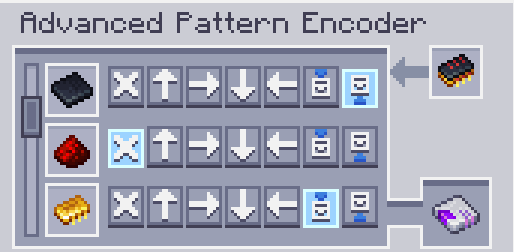
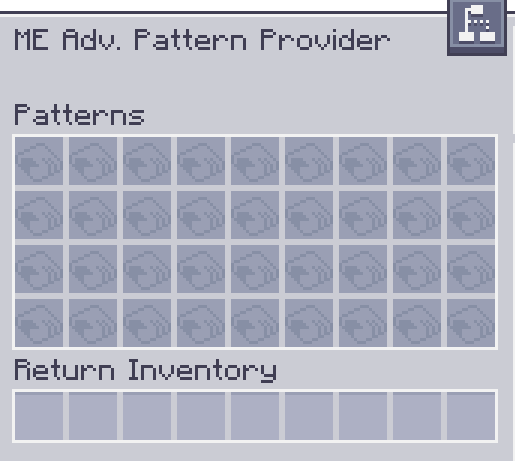
- Advanced Pattern Providers work with the Advanced Pattern Encoder to direct specific processing pattern inputs to designated machine faces without needing extra pipes.
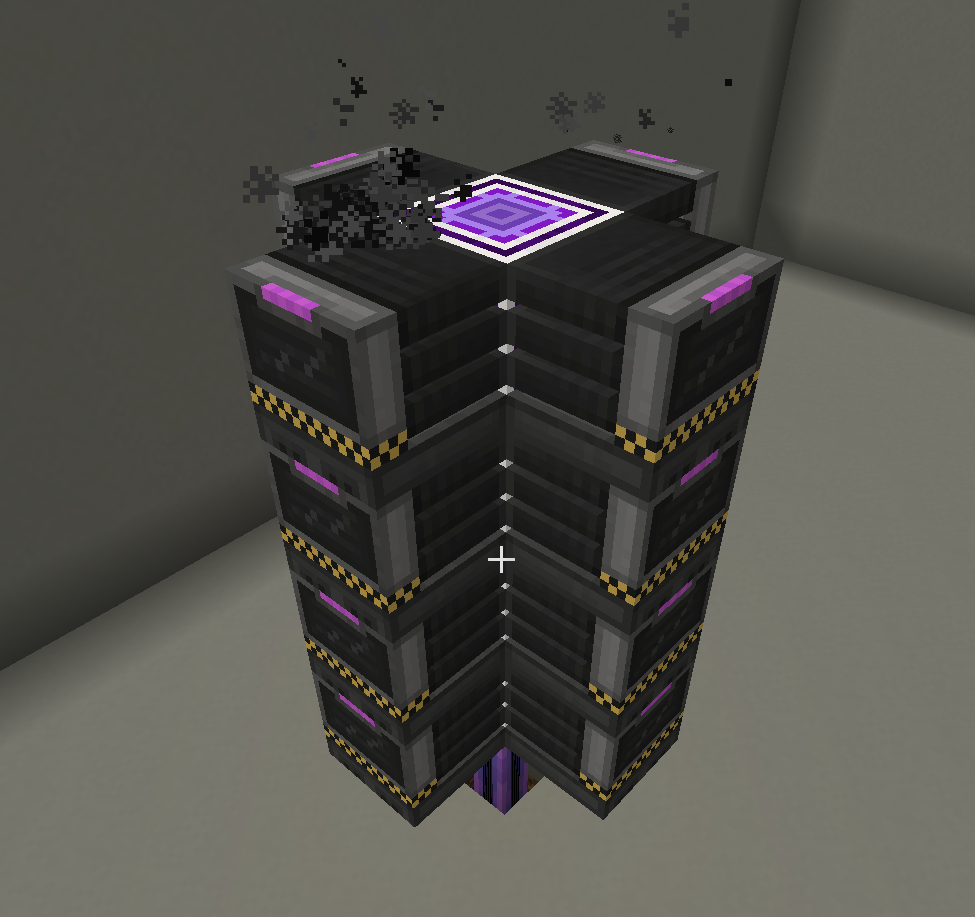
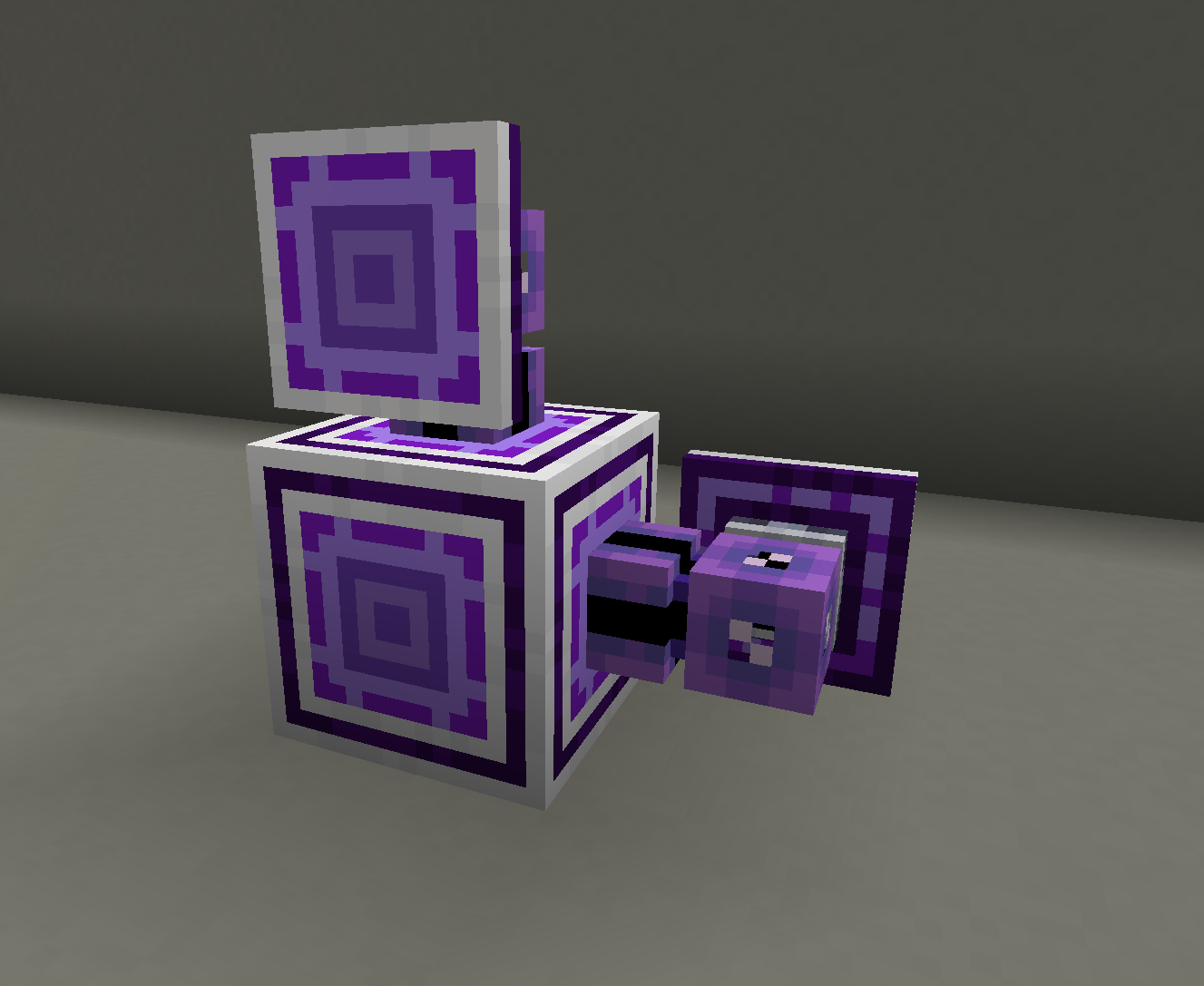
- The Quantum Computer is a scalable multiblock (up to 5x5x5) that uses only one channel to run unlimited concurrent crafting tasks while sharing co-processors.
- The Quantum Core functions on its own with 256M storage and 8 co-processors, or inside a multiblock alongside Quantum Data Entanglers and Quantum Multi-Threaders that quadruple storage and co-processors respectively.
- The Quantum Crafter pulls directly from the ME System to run multiple crafts per tick, supporting stock limits, ingredient preservation, recursive tasks, and reusable catalyst items.
- The Quantum Armor Set links to your ME Storage to offer strong defense alongside upgrades like inertia-free flight, night vision, item magnetism, damage immunities, and automatic feeding.
- The Reaction Chamber consumes large amounts of energy to efficiently process materials required for AdvancedAE progression and other mods.
- The Stock Export Bus maintains a precise quantity of items inside a target inventory and supports a crafting card to automatically manufacture missing stock.
- The ME Throughput Monitor displays resource flow rates per tick, second, or minute for items, fluids, and AppliedFlux FE Cells.
How to get started
- Build and power a Reaction Chamber first, as it is necessary to process the core materials required to progress through AdvancedAE.
- Use an Advanced Pattern Encoder to configure your Processing Patterns for Advanced Pattern Providers, assigning inputs to exact machine sides to simplify your base wiring.
- Deploy a standalone Quantum Core for an immediate 256M crafting storage and 8 co-processors, then expand it into a multiblock up to 5x5x5 as your automation demands grow.
- Set up a Quantum Crafter to handle continuous tick-by-tick tasks like recursive smithing template duplication or essence upgrading while configuring it to keep specific ingredient reserves.
- Attach Stock Export Buses to machines or chests that require exact item counts, and installME Throughput Monitors to track your network's item, fluid, or energy generation rates.
FAQ
What is the main purpose of AdvancedAE?
It focuses on improving convenience and the overall user experience when interacting with and automating an ME System.
Does AdvancedAE integrate with other mods?
Yes, the Reaction Chamber provides efficient recipes for other mods, the Quantum Crafter handles non-consumed ingredient crafts like Mystical Agriculture's essence upgrading, and the ME Throughput Monitor can track energy inside FE Cells from AppliedFlux.
How does the Quantum Computer improve upon standard crafting units?
It can run an unlimited number of crafting tasks at the same time (as long as storage permits), allows all concurrent tasks to share co-processors, scales up to a 5x5x5 structure with 4x multipliers, and only uses a single ME channel.
How do I configure the ME Throughput Monitor to track fluids or change time scales?
Double right-click the monitor with a container holding the desired fluid or energy to set the tracked resource, and right-click it with a Throughput Monitor Configurator to cycle between per tick, per second, and per minute views.
Versions and loaders
| Minecraft | Loaders |
|---|---|
| 26.x | Forge, NeoForge |
| 1.21 | Forge, NeoForge |
| 1.20 | Forge, NeoForge |