OpenBlocks Elevator
Camouflageable elevator blocks for instant vertical player transport between base floors.
 Trains & Transport
- Downloads
- 194,037,051
- Loaders
- Fabric, Forge, NeoForge
- Latest version
- 26.x
- Updated
- 2026-11-21
- Author
- vsngarcia
Overview
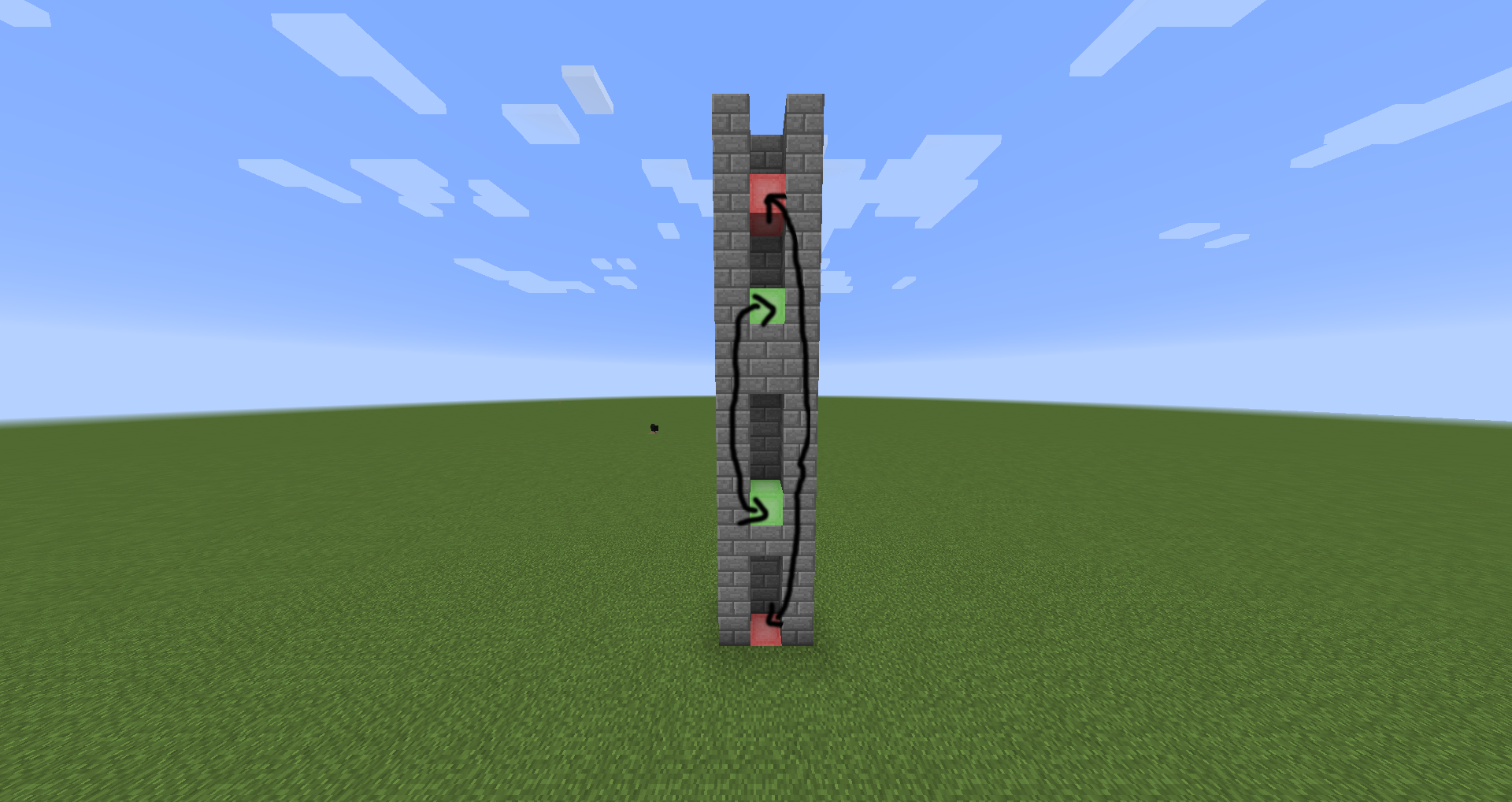
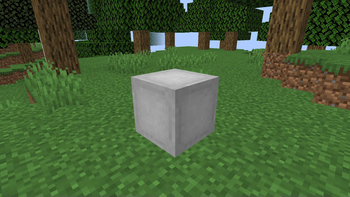
OpenBlocks Elevator brings the well-known 1.12.2 Elevator block into newer setups, originally designed as a Fabric port of the classic utility. It allows players to teleport directly up and down within their world, offering a fast and reliable way to navigate vertical spaces.
This mod is an ideal addition for modpack creators and players building multi-level bases who want clean, unobstructed movement between floors. With its built-in camouflage functionality, the elevator can take on the appearance of any block so it blends seamlessly into the surrounding architecture.
Key features
- Adds the classic 1.12.2 Elevator block for instant vertical teleportation up and down.
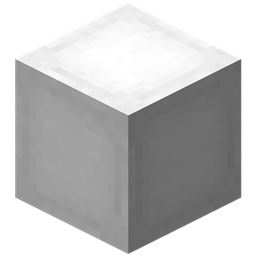
- Includes a camouflage system that works with any block by right-clicking the elevator.
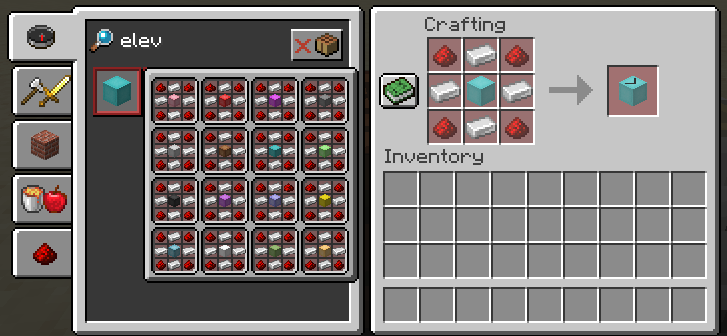
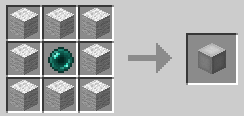
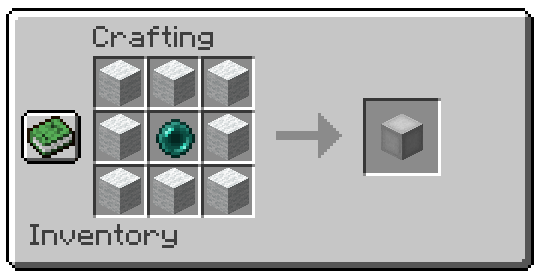
- Retains the original crafting recipe from the classic version.
- Allows manual adjustment of the teleportation block range from the default value of 20 via the configuration file.
- Supports multiplayer environments when installed on both the client and the server.
How to get started
- Download the latest version of the mod to avoid bugs, ensuring you also have Fabric API installed if running the Fabric version.
- Install the mod on both the client and server if you are playing in a multiplayer environment.
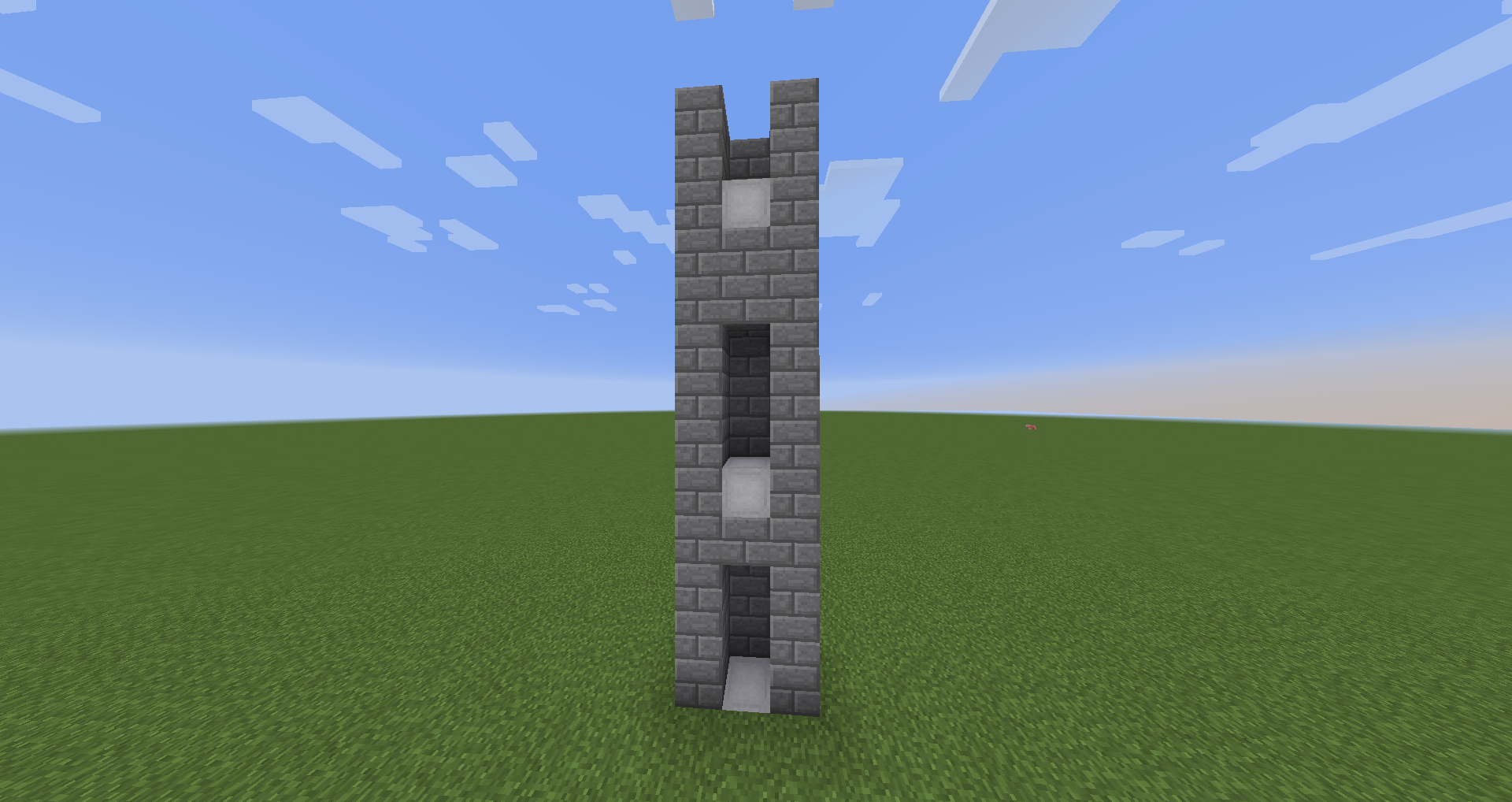
- Craft the elevator blocks using the traditional recipe and place them vertically in your world to teleport up and down.
- Right-click the placed elevator with any block in your hand to apply camouflage.
- To change the vertical range, open your Minecraft or server config folder, locate openblocksconfig.properties, and replace the default value of 20 with your desired block distance.
FAQ
How do I camouflage the elevator block?
Simply right-click the elevator with any block to make the elevator adopt its appearance.
How can I change the maximum teleportation distance?
Go to the config folder inside your Minecraft or server directory, open the file named openblocksconfig.properties, and change the value 20 to your preferred range.
Does this mod need to be installed on both client and server?
Yes, the mod must be installed on both the client and the server to function properly, and the Fabric version requires Fabric API.
Can I include OpenBlocks Elevator in my modpack?
Yes, the author explicitly permits using this mod in modpacks.
Versions and loaders
| Minecraft | Loaders |
|---|---|
| 26.x | Fabric, Forge, NeoForge |
| 1.21 | Fabric, Forge, NeoForge |
| 1.20 | Fabric, Forge, NeoForge |
| 1.19 | Fabric, Forge, NeoForge |
| 1.18 | Fabric, Forge, NeoForge |
| 1.16 | Fabric, Forge, NeoForge |
| 1.12 | Fabric, Forge, NeoForge |