Integrated Scripting
Adds JavaScript-based scripting terminals to program complex automation logic in Integrated Dynamics.
 Computers & Programming
 Redstone & Logic
 Addons & Integrations
- Downloads
- 15,696,712
- Loaders
- Forge, NeoForge
- Latest version
- 26.x
- Updated
- 2026-11-15
- Author
- kroeser



Overview
Integrated Scripting is an add-on for Integrated Dynamics that enables players to write JavaScript code to control complex logic within their networks. By utilizing the Oracle GraalVM and Graal.JS engine, the mod focuses heavily on high performance and strict default security while simplifying tasks that are otherwise difficult to build in standard Integrated Dynamics.
This mod is ideal for technical players and automation builders who want to streamline advanced network calculations and data processing. In a tech base, it allows you to easily program predicate filters for Integrated Tunnels importers and exporters, track average power usage over a minute, or calculate item statistics like median, standard deviation, and average stack sizes for tagged chest contents.
Key features
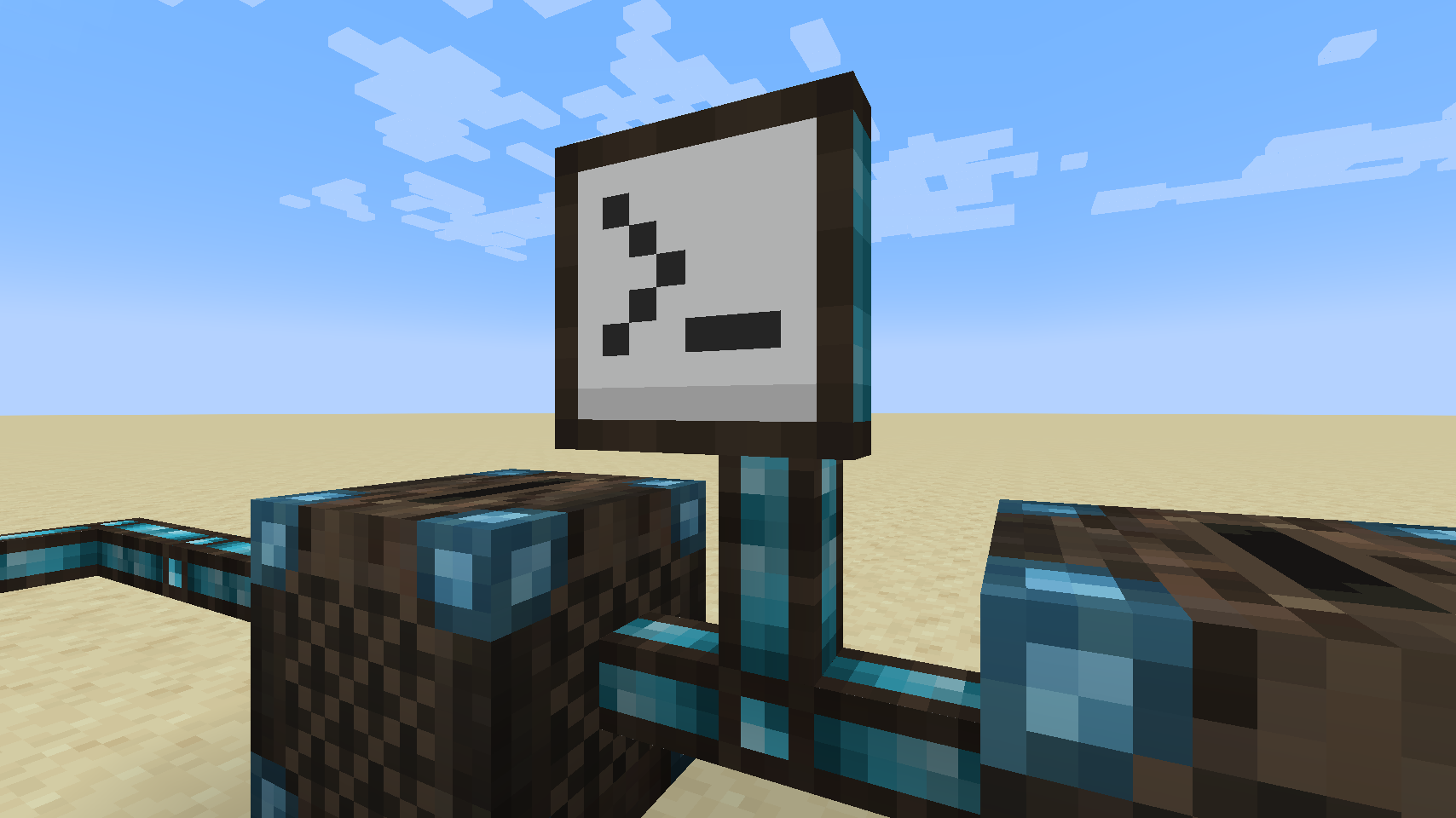
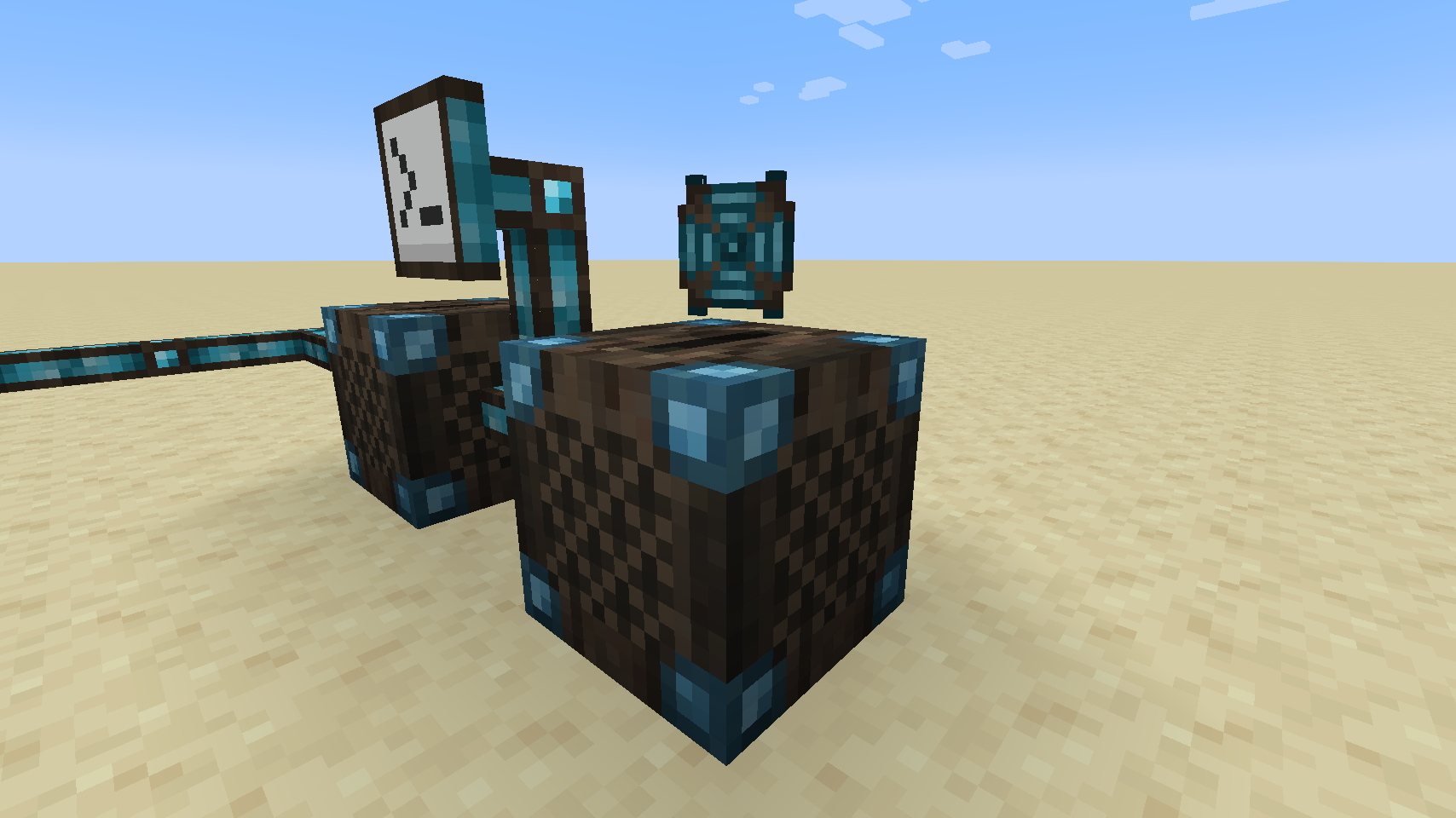
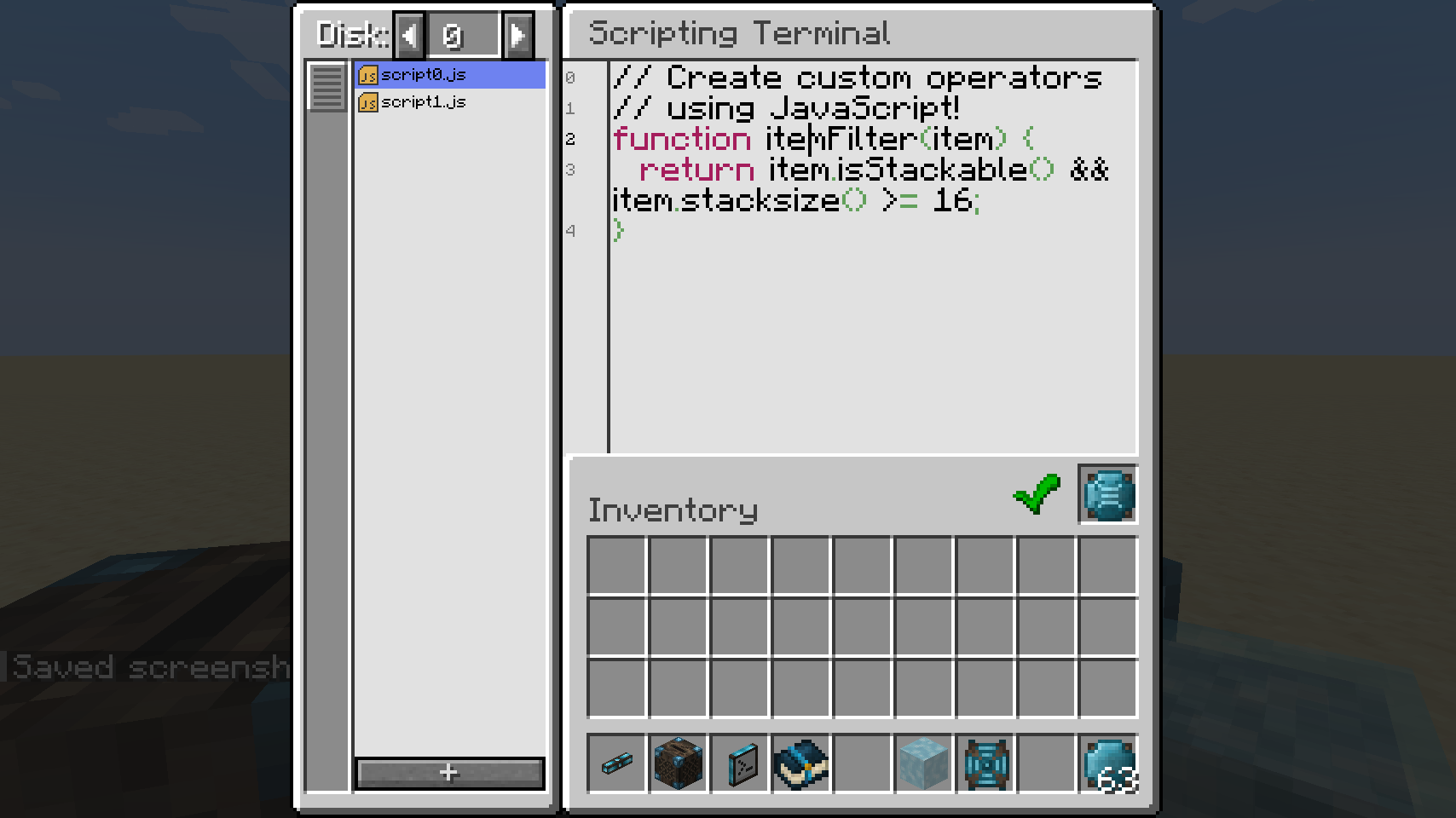
- The Scripting Terminal provides an in-game code editor for writing JavaScript and binding script functions or variables to Variable Cards.
- Scripting Drives store your script data and make your code accessible for editing and execution across the connected network.
- Scripts can retain values across multiple executions, enabling continuous calculations such as sums and time-based energy averages.
- Players can copy and paste code inside and outside the game or edit script files directly in an external IDE if they have world file access.
- A built-in logging capability allows you to record messages to inspect and debug complex script operations.
- The mod runs on the Graal.JS engine with strict default security settings and configurable maximum execution sizes that server admins can adjust.
How to get started
- Install the required dependencies, Cyclops Core and Integrated Dynamics, alongside Integrated Scripting.
- Read the in-game documentation and tutorials available inside the 'On the Dynamics of Integration' book from Integrated Dynamics.
- Craft and insert Scripting Drives to hold your script data and make it available to your network.
- Open the Scripting Terminal to write your JavaScript code in the editor, or copy and paste an existing script.
- Bind your script members, such as variables and functions, to Variable Cards so they can be used throughout your Integrated Dynamics setup.
FAQ
What mods are required to run Integrated Scripting?
You must have both the Cyclops Core library and Integrated Dynamics installed.
How does it improve upon standard Integrated Dynamics and Integrated Tunnels?
It turns complicated logic into simple JavaScript code, making it easy to create predicate filters for Integrated Tunnels or calculate advanced math like standard deviation and average chest stack sizes.
Can I use an external code editor to write my scripts?
Yes, you can copy and paste code in and out of the game, or edit the script files directly in your preferred IDE if you have access to the world files.
Are player scripts safe to run on multiplayer servers?
Yes, scripts run on the Graal.JS engine with the strictest security settings enabled by default, and server administrators can configure maximum execution sizes or adjust permissions for file IO.
Versions and loaders
| Minecraft | Loaders |
|---|---|
| 26.x | Forge, NeoForge |
| 1.21 | Forge, NeoForge |
| 1.20 | Forge, NeoForge |
| 1.19 | Forge, NeoForge |