Immersive Integration
Connects Immersive Engineering with AE2, Redstone, and other tech mods via new wires and connectors.
 Addons & Integrations
 Energy Transport
 Redstone & Logic
- Downloads
- 9,173,182
- Loaders
- -
- Latest version
- 1.7.10
- Updated
- 2016-07-18
- Author
- UnwrittenFun
Overview
Immersive Integration is an addon designed for Immersive Engineering on Minecraft 1.7.10. Its goal is to introduce new blocks and items that match the aesthetic of Immersive Engineering while offering functionality that would not normally belong in the base mod.
This mod is ideal for players and modpacks combining Immersive Engineering with other technical mods like Applied Energistics 2, Tinkers' Construct, and Thermal Expansion. It focuses heavily on cross-mod compatibility alongside expansions to vanilla mechanics and Immersive Engineering itself.
In a tech or automation base, it allows you to run AE2 networks and multi-channel redstone signals over hanging wires, upgrade your coal coke production with a massive new multiblock, and easily keep your powered tools charged.
Key features
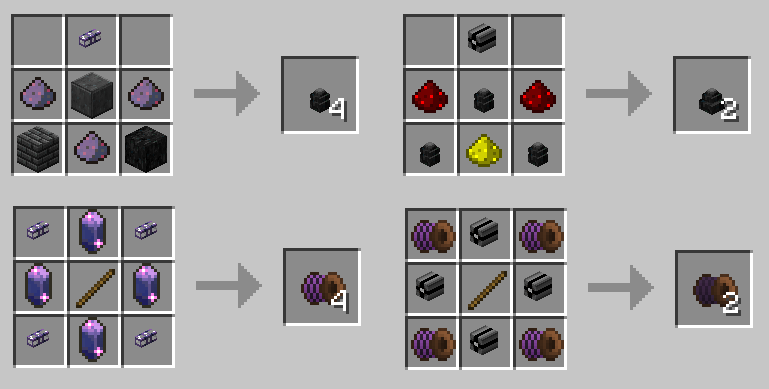
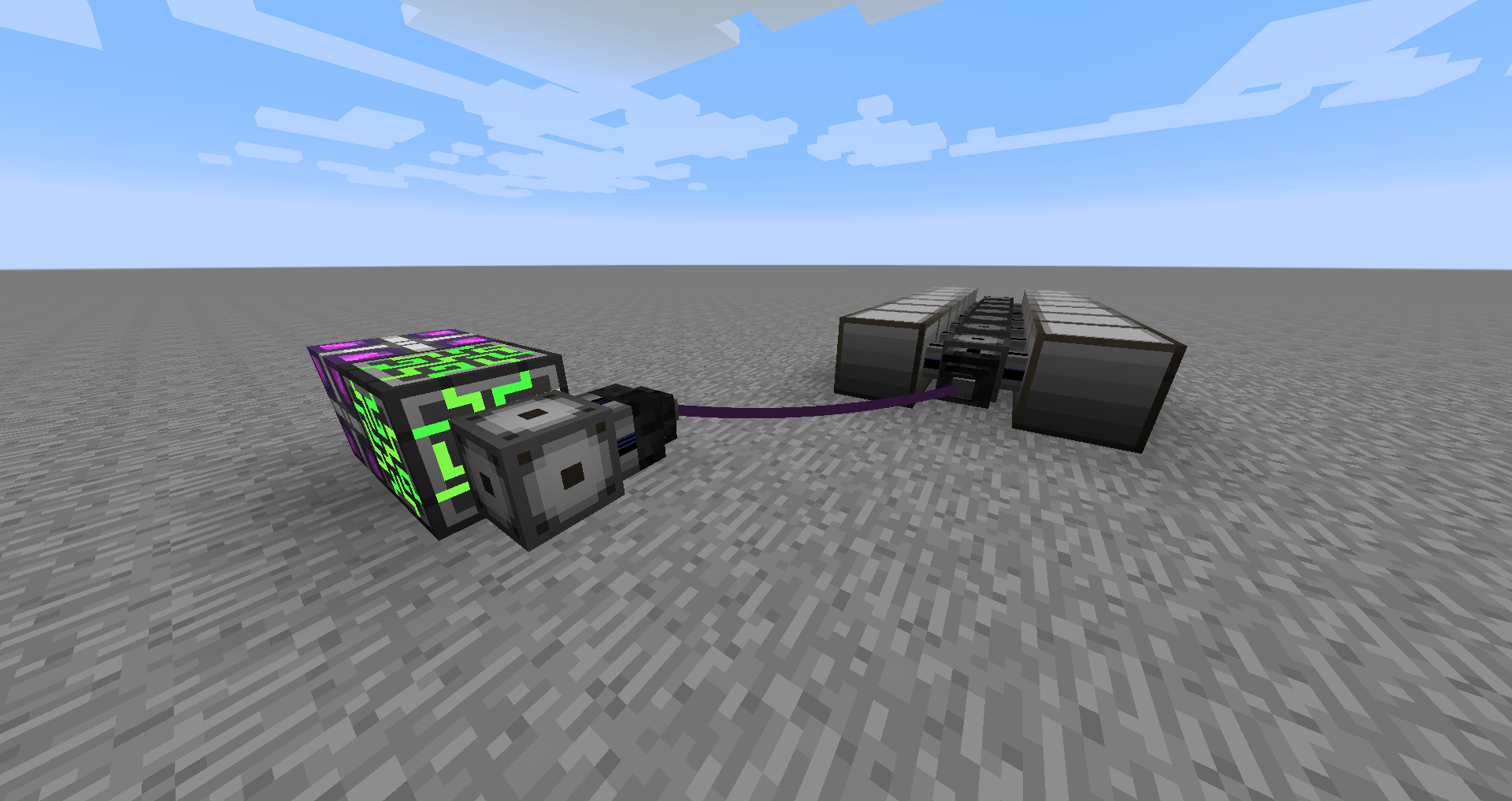
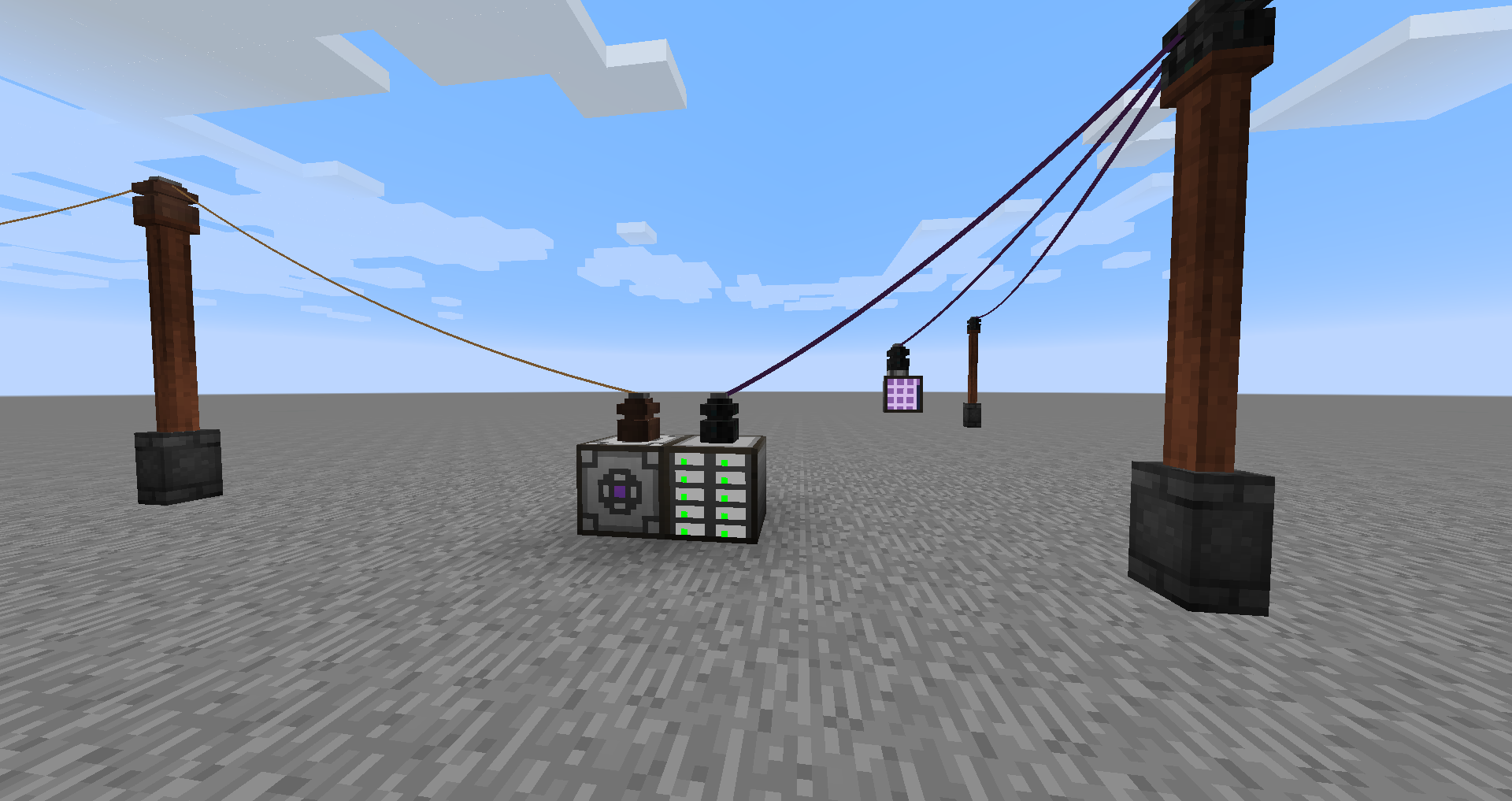
- Connect Applied Energistics 2 networks across distances using ME Transformers, ME Wire Connectors, and Fluix Wire Coils, including Dense variants that support 32 channels.
- Transmit up to 16 channels of redstone signals across a single line using Redstone Wire Connectors and Redstone Wire Coils.
- Build the Industrial Coke Oven, a large multiblock structure capable of producing 4 coal coke at the same time with both a faster speed and a higher yield.
- Power up items such as AE tools, Thermal Expansion tools, Tinkers' tools, and capacitors by throwing them onto or right-clicking an LV, MV, or HV Induction Charger.
- Carry portable energy with the Capacitor in a Box (available in LV, MV, HV, and Creative tiers) to charge held items or attach directly to Tinkers' Construct tools.
- Expand your wiring infrastructure with the extendable post and Wooden Post Extension, which can be struck with a hammer to add arms for extra wire connectors.
- Install steel trapdoors that can only be opened and closed via redstone signals.
How to get started
- Make sure you have Immersive Engineering v0.6.1 or newer installed, as it is required for this addon to run.
- Open the in-game Immersive Engineering manual and look for the dedicated Immersive Integration category to read detailed information about every new block and item.
- Set up Redstone Wire Connectors and link them with Redstone Wire Coils; right-click a connector with your hammer to toggle between input and output, and shift-right-click to select one of the 16 channels.
- Craft an LV, MV, or HV Induction Charger and a Capacitor in a Box to start charging your handheld equipment or upgrading your Tinkers' Construct tools.
- If you use Applied Energistics 2, place ME Transformers on your system and link them with Fluix Wire Coils and ME Wire Connectors to transfer signals using your AE system's energy.
FAQ
What mods are required to run Immersive Integration?
You must have Immersive Engineering v0.6.1 or greater installed for the mod to work.
Which other mods does Immersive Integration interact with?
It includes integration features for Applied Energistics 2 and Tinkers' Construct, and its Induction Chargers can also charge Thermal Expansion tools alongside AE and Tinkers' tools.
What happens if I don't have the integrated mods like AE2 or Tinkers' Construct installed?
Mod-specific features are only enabled when that particular mod is installed and its configuration option is turned on (which is enabled by default).
How do I learn the recipes and mechanics for the new blocks?
The mod adds an Immersive Integration category directly into the in-game Immersive Engineering manual, which covers all added blocks and items.
Versions and loaders
| Minecraft | Loaders |
|---|---|
| 1.7.10 | - |